Step One
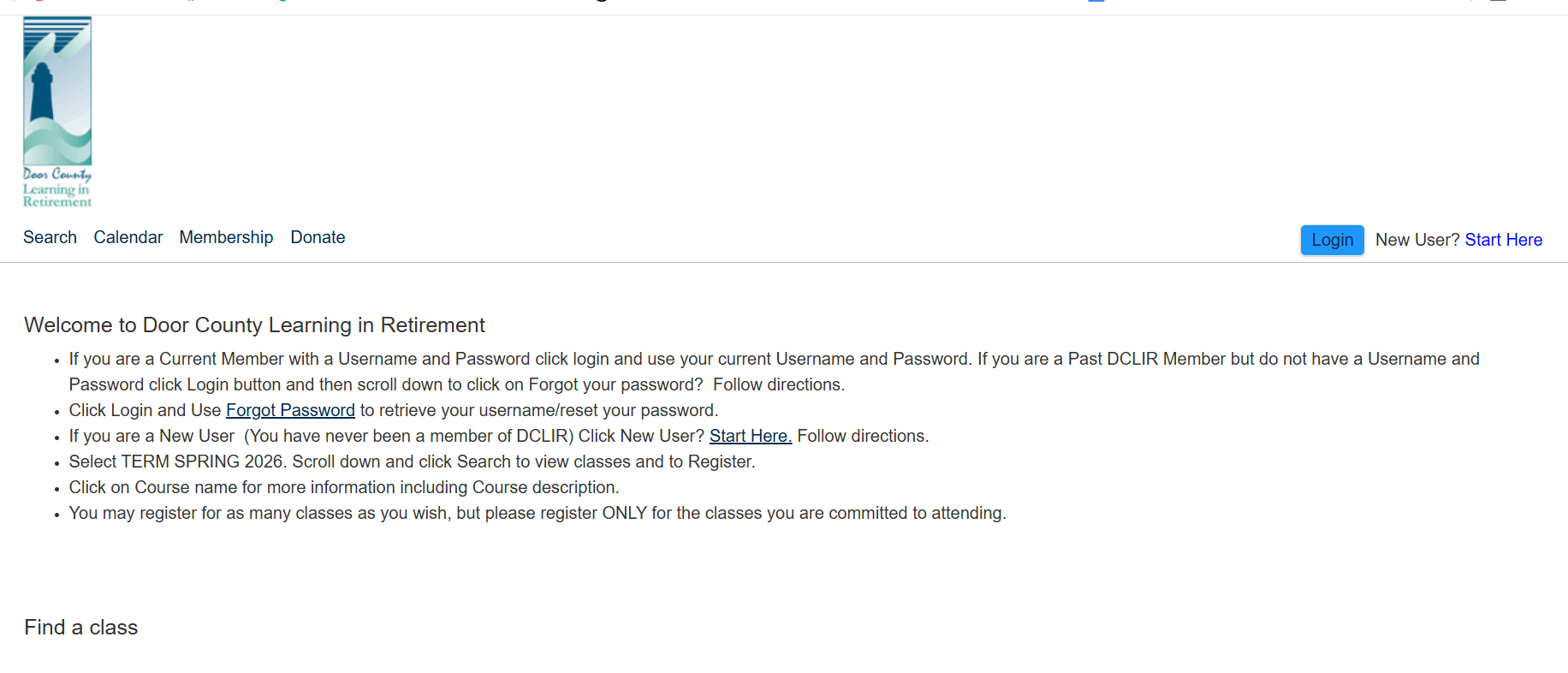
To purchase a DCLIR membership for the upcoming semester, click on the Login button. If you are a new user (you have never been a member of DCLIR) click on the Start Here button.
Step Two
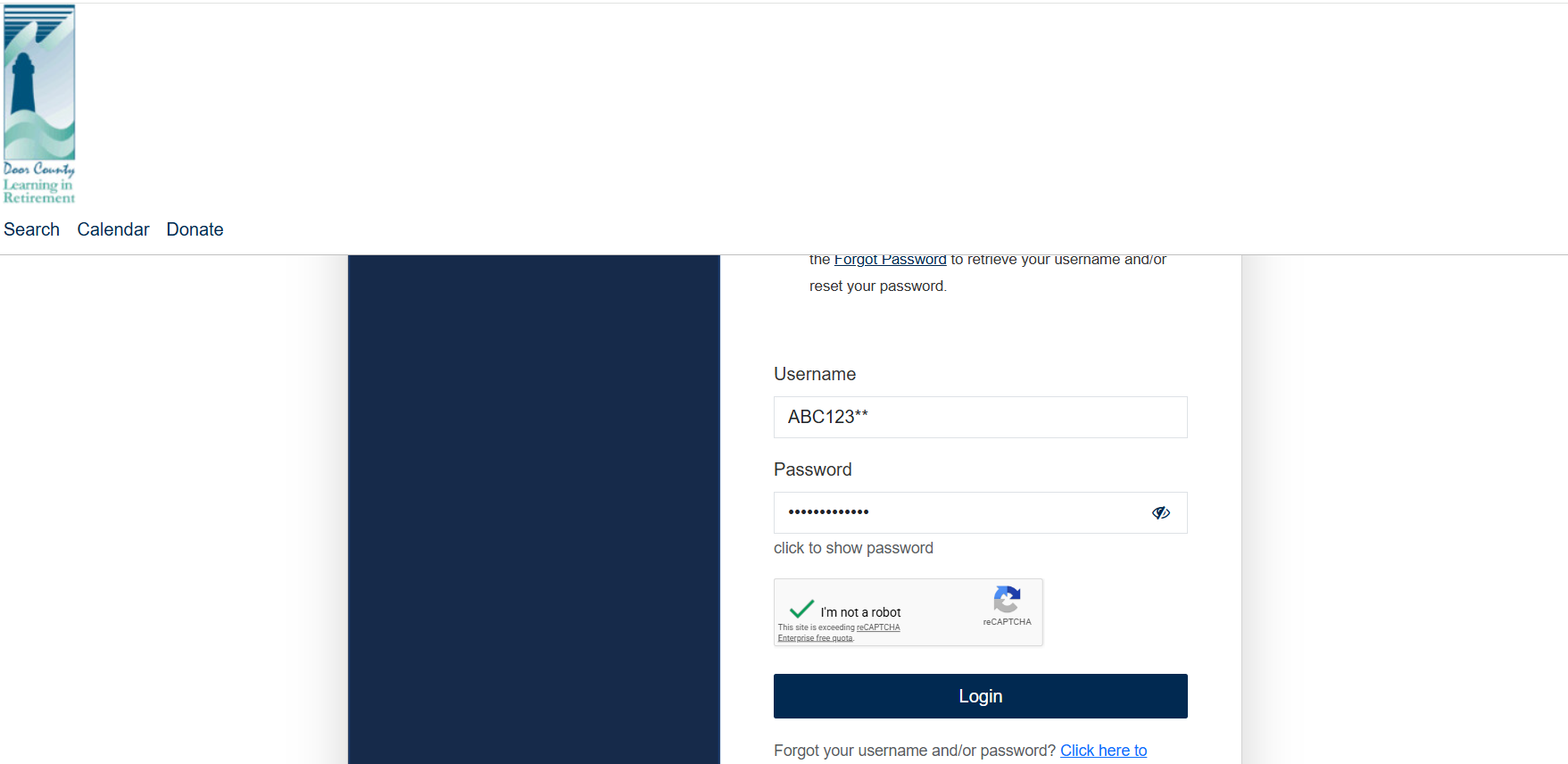
Enter your username and password and click the Login button. If you forgot your username and/or password, please reach out to our office for assistance.
Step Three
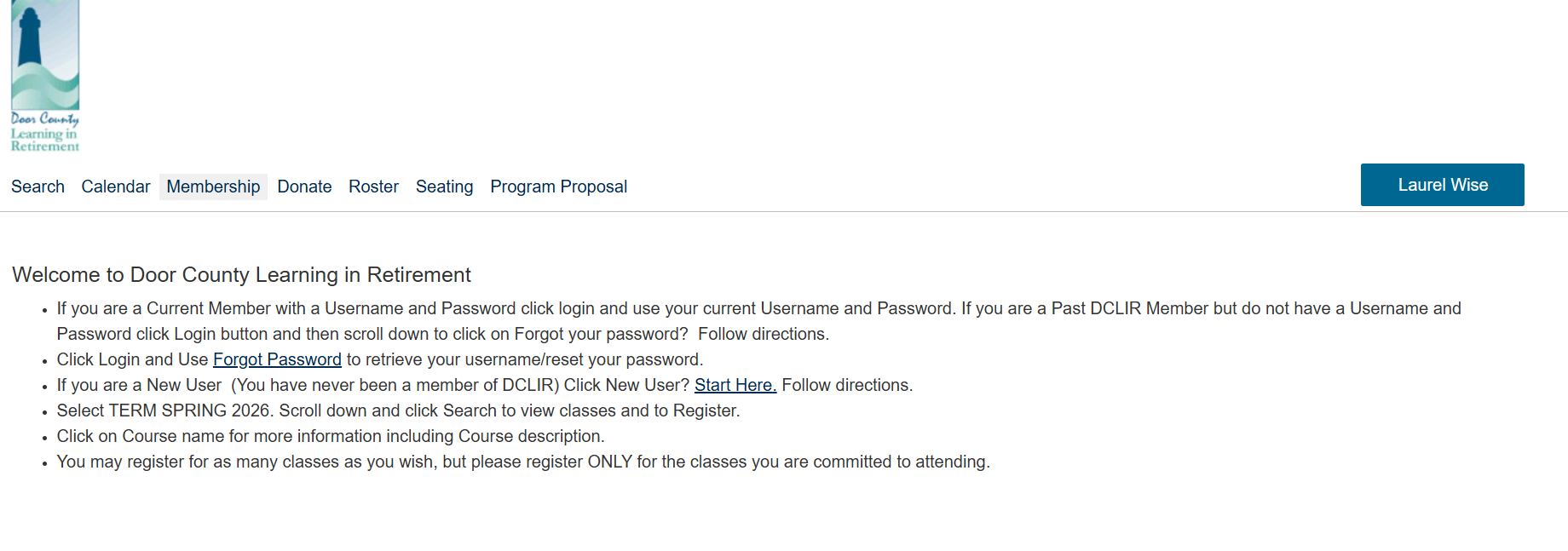
Click on the Membership Button.
Step Four
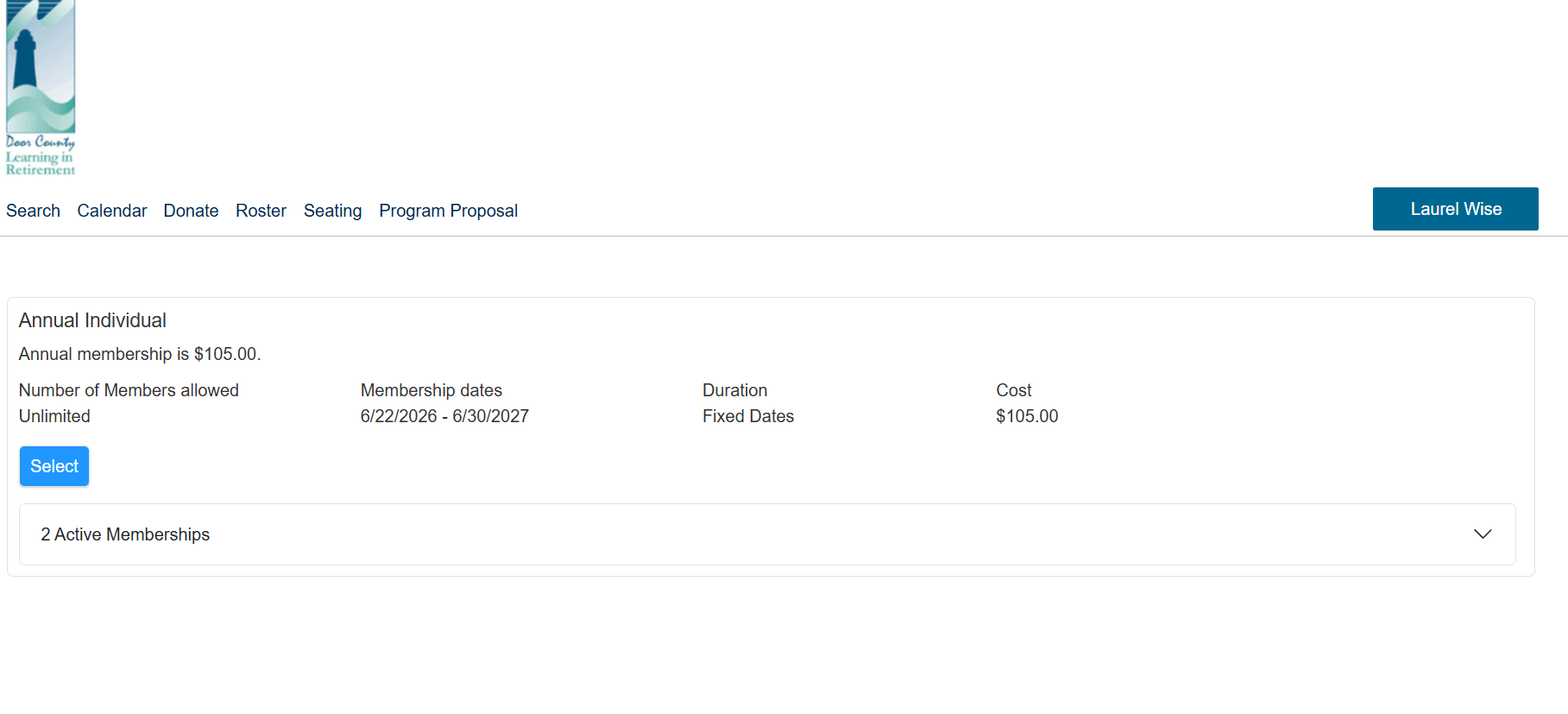
Select either the Annual Membership button or the Spring Membership button.
Step Five
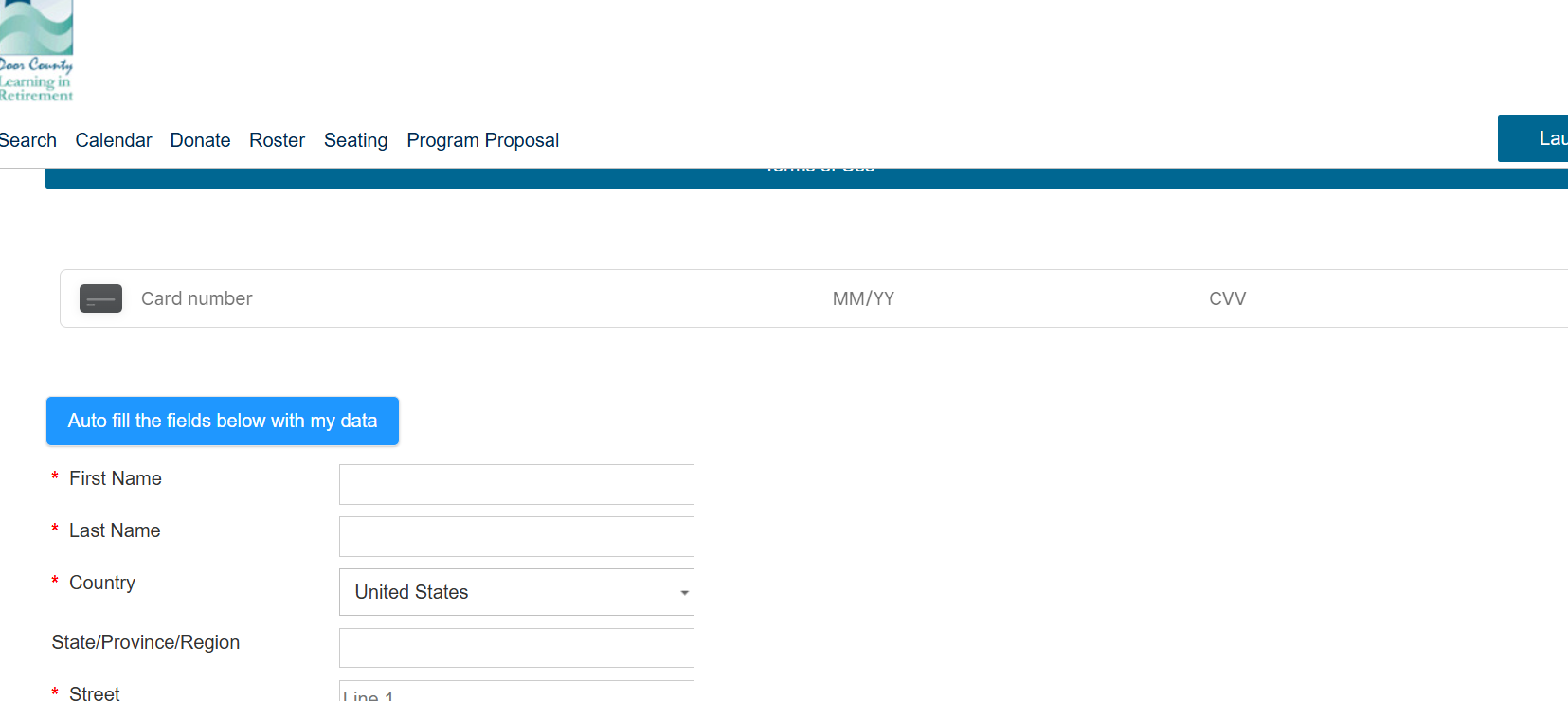
Complete the payment data fields with your credit card information.
Step Six
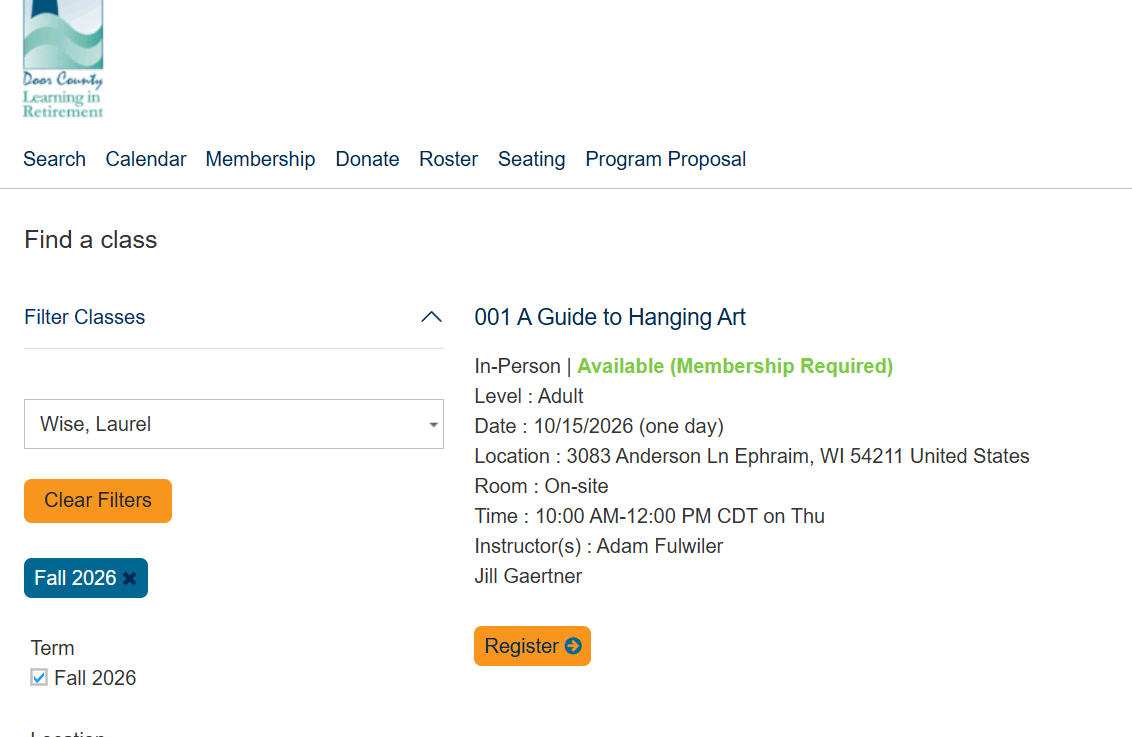
To register for classes, select the current semester and search for the class you wish to attend. (Please refer to the Class Catalog PDF on either the classes page or the home page for the list of classes.)
Then click on the corresponding Registration button for that class.
Step Seven
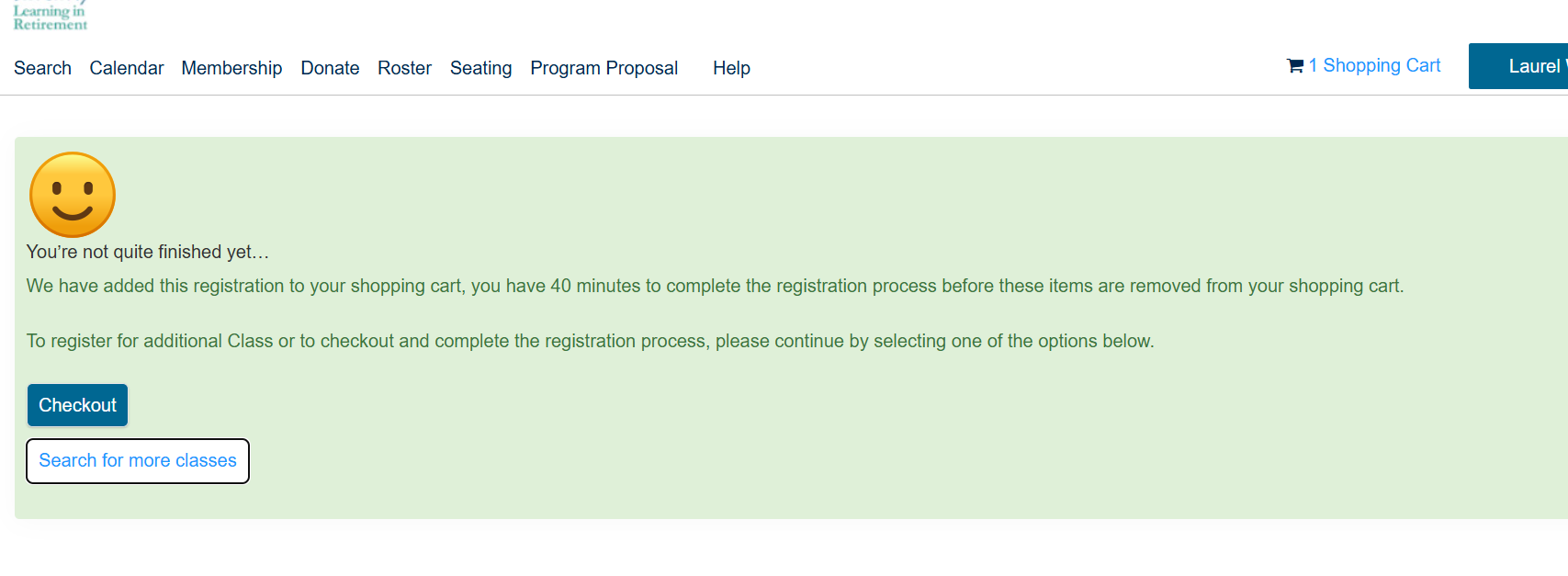
Search for additional classes or click on the Checkout button to complete your order.
Step Eight
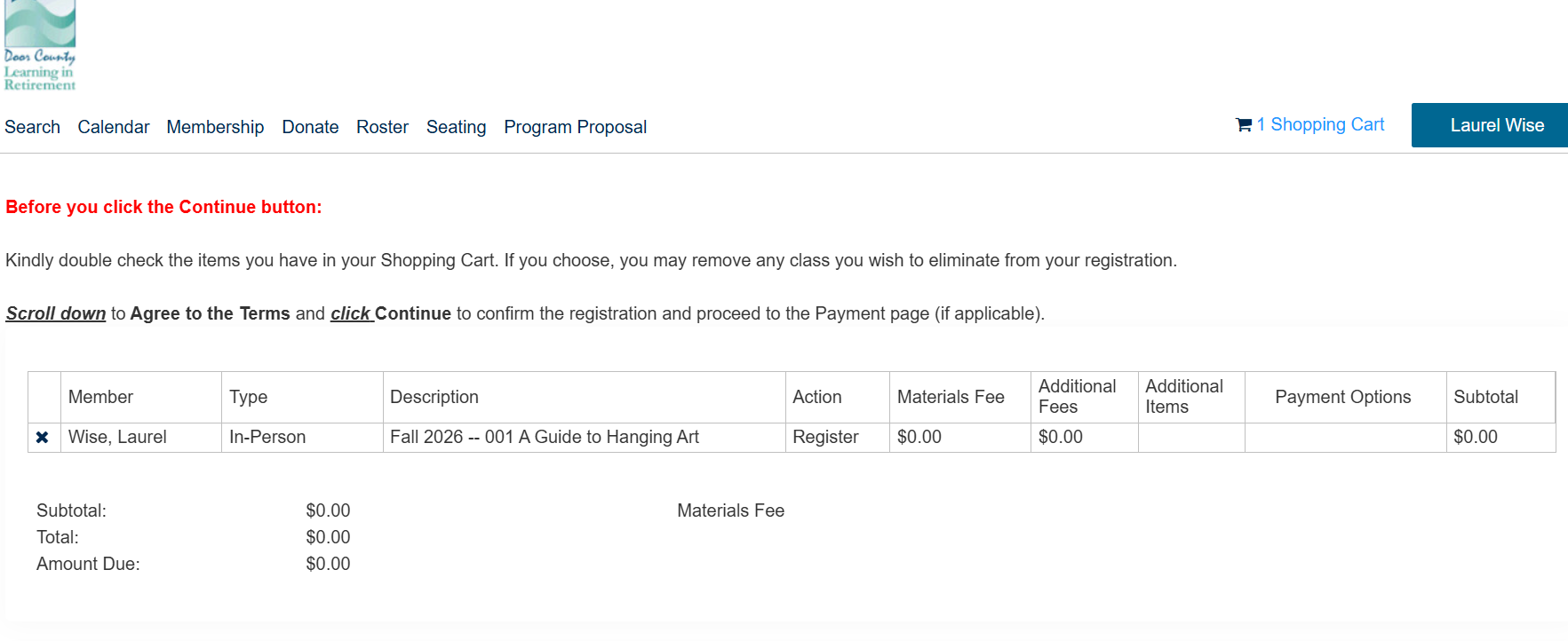
At the Checkout screen you will see a list of classes that you’ve selected for registration.
Step Nine
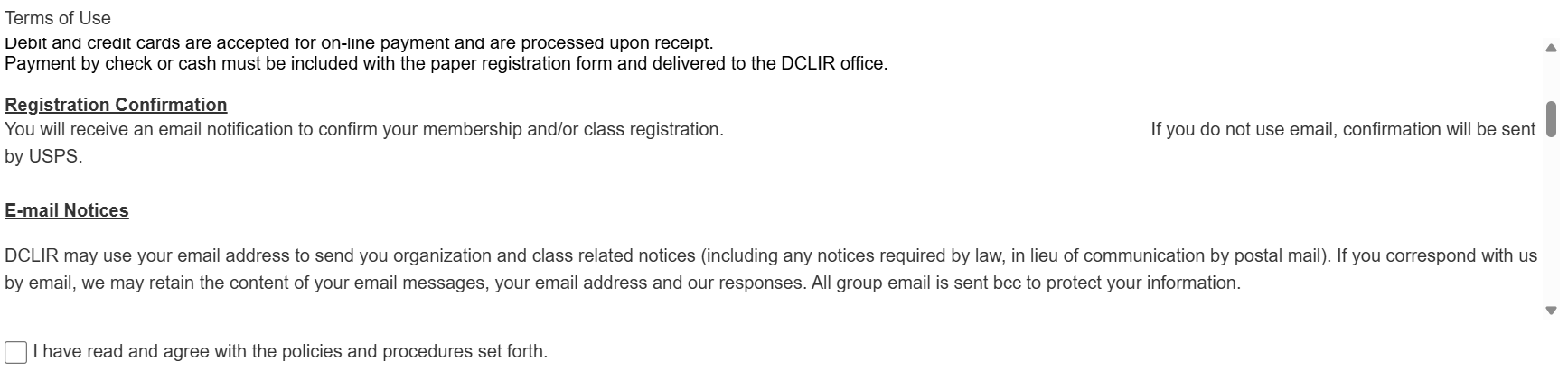
To complete your order, scroll down to review the Terms of Use, click the check box to agree to the Terms of Use
Step Ten
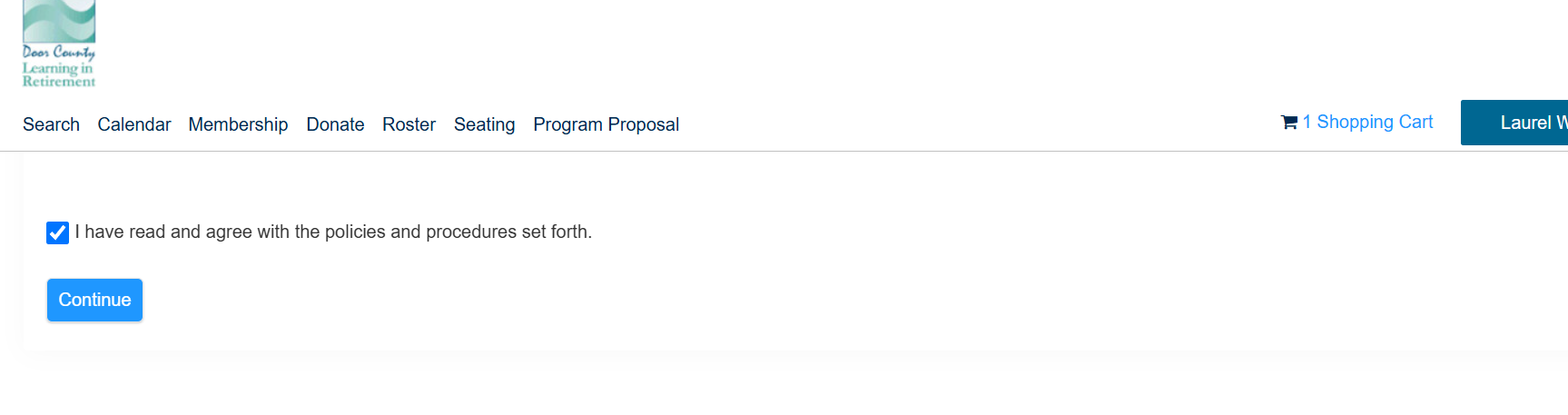
Then click on the Continue button.
Step Eleven
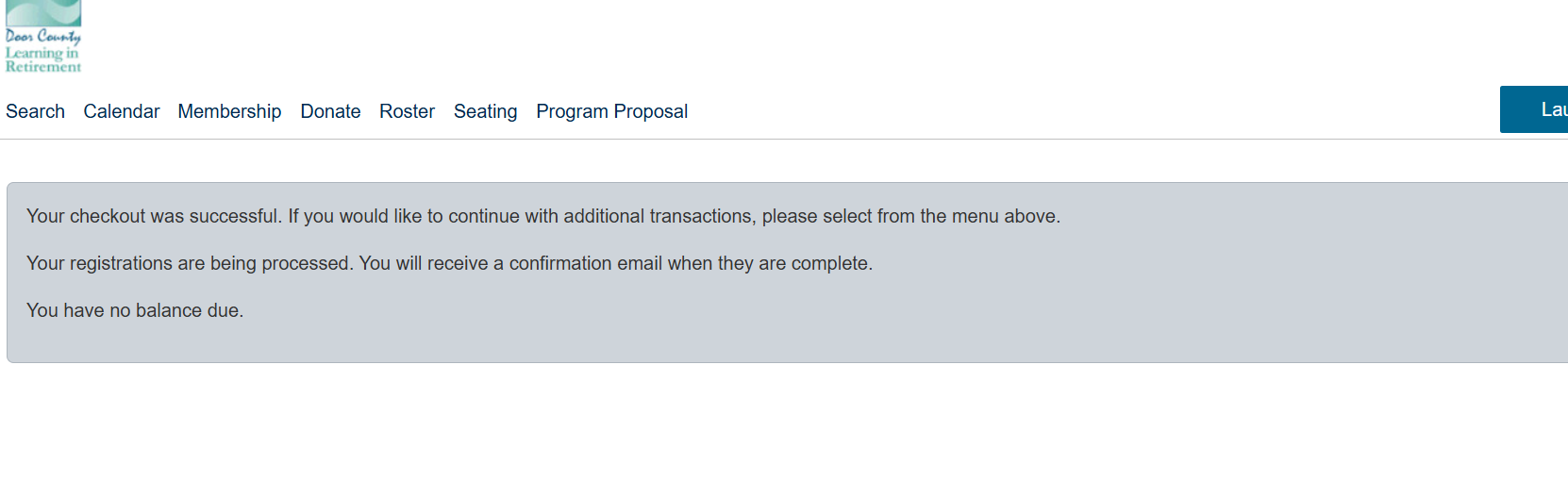
Finally, you will receive a note confirming your registration order.